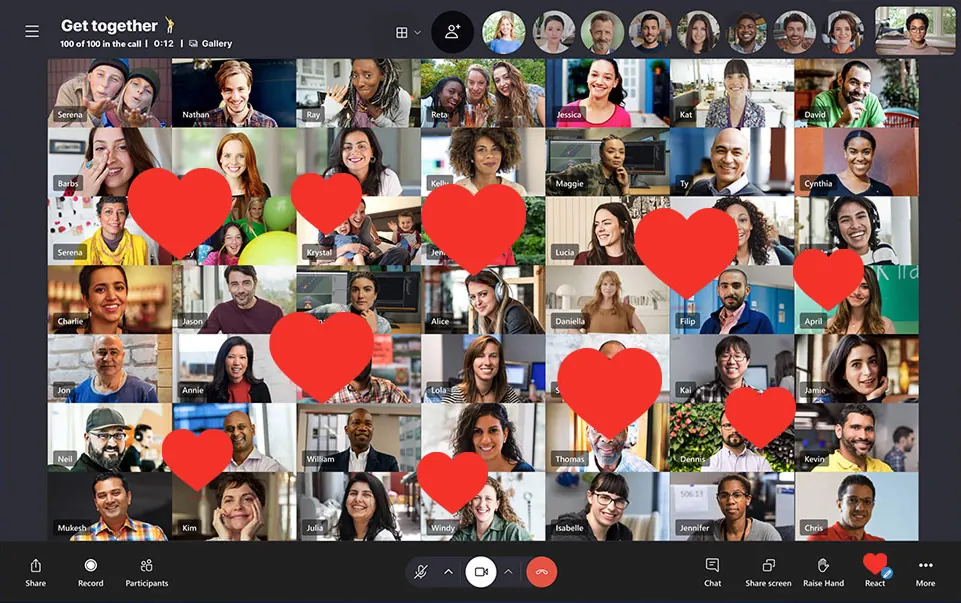
Up to 100 people on one video call
Family catch-ups, class reunions or team meetings. Start a group call from your phone or create a Meet Now link and send it to anyone: guests can join without signing up.
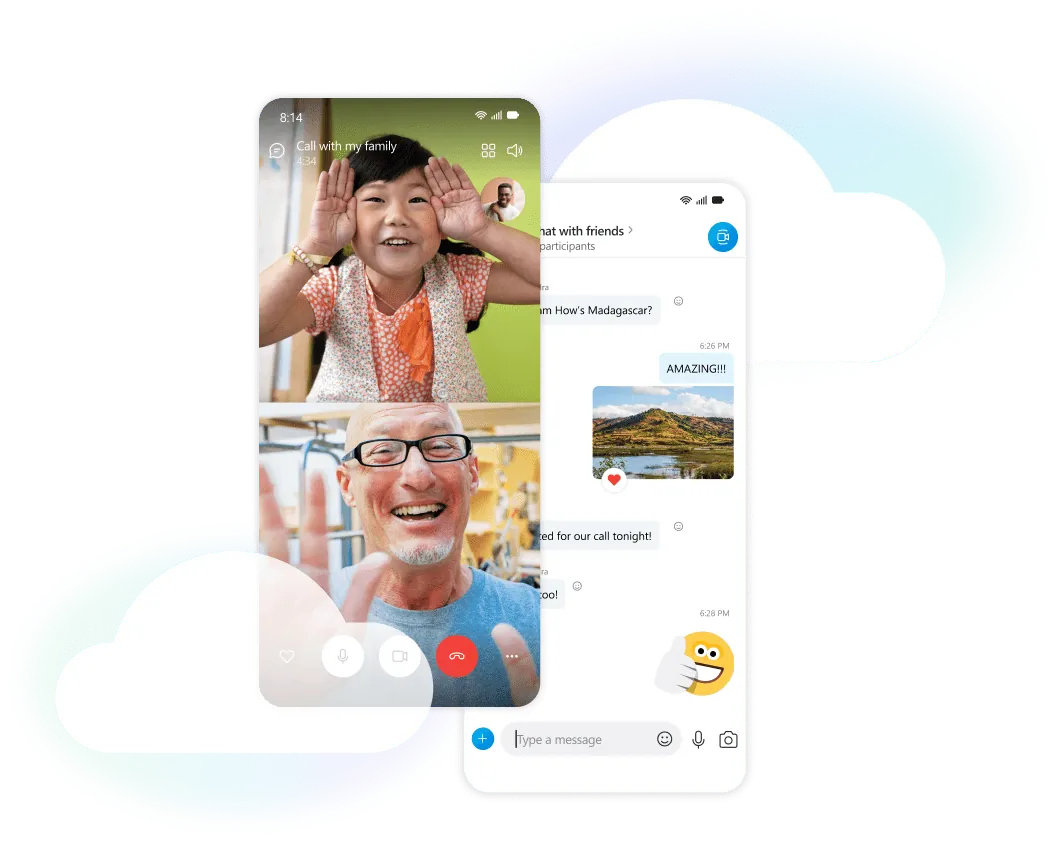
Free video calls, voice calls and messages between Skype users, right on your Android phone.
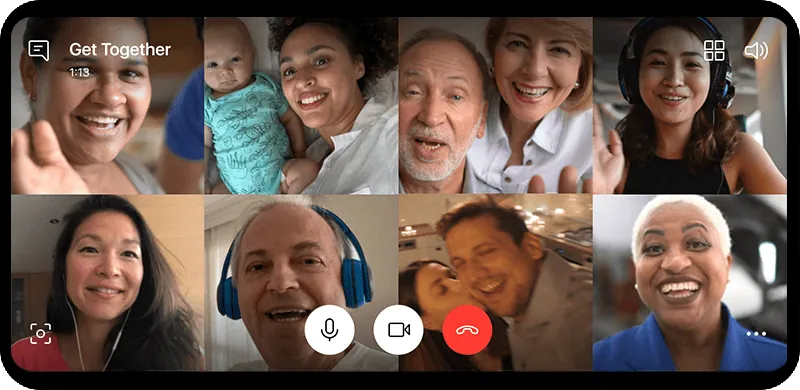
Talk one to one or with a whole group, keep the conversation going in chat and share your screen, all from your Android phone.
Family catch-ups, class reunions or team meetings. Start a group call from your phone or create a Meet Now link and send it to anyone: guests can join without signing up.
Send messages, photos and voice messages, react with a tap and reply to a specific message. Your chat history stays in sync with Skype on your other devices.

Show what's on your phone screen to everyone in the call.
Save a call to watch later. Everyone is notified when recording starts.
Read what is being said as it happens.
Switch cameras during a call to show what's around you.
All you need is an Android phone and a Microsoft account.
Install the Skype app on your Android phone. It's free to download.
Download for AndroidUse your Microsoft account. If you don't have one yet, you can create it while signing in.
Search by name, Skype name, email or phone number, or sync your phone contacts to see who's already on Skype.
Open a chat and tap the video or phone button. To call several people at once, start a group chat first.
Calls, messages and files between Skype users are encrypted in transit. For the most personal conversations there is an extra layer of protection, and the privacy settings are yours to change.
Start a private conversation with a contact to use end-to-end encryption for audio calls, messages and files. Only you and the other person can read or hear them.
Allow calls only from your contacts and decide whether people can find you in search.
Block anyone you don't want to hear from. They won't be able to call or message you.
Protect your Microsoft account with an extra code when you sign in on a new device.
Turn them off if you'd rather others didn't see when you've read their message.
Free to download. Your contacts and chats stay in sync with Skype on your computer.
Download for AndroidAlso available for Windows, Mac, Linux, iPhone and the web.